 Lumiwall
For iPhone and iPad
The light of the real sun, moving across your wall.
Lumiwall shows a patch of window light on a quiet plaster wall. It follows the sun where you live, minute by minute, from the cool light of morning to the long gold of evening, then a moonlit glow at night.
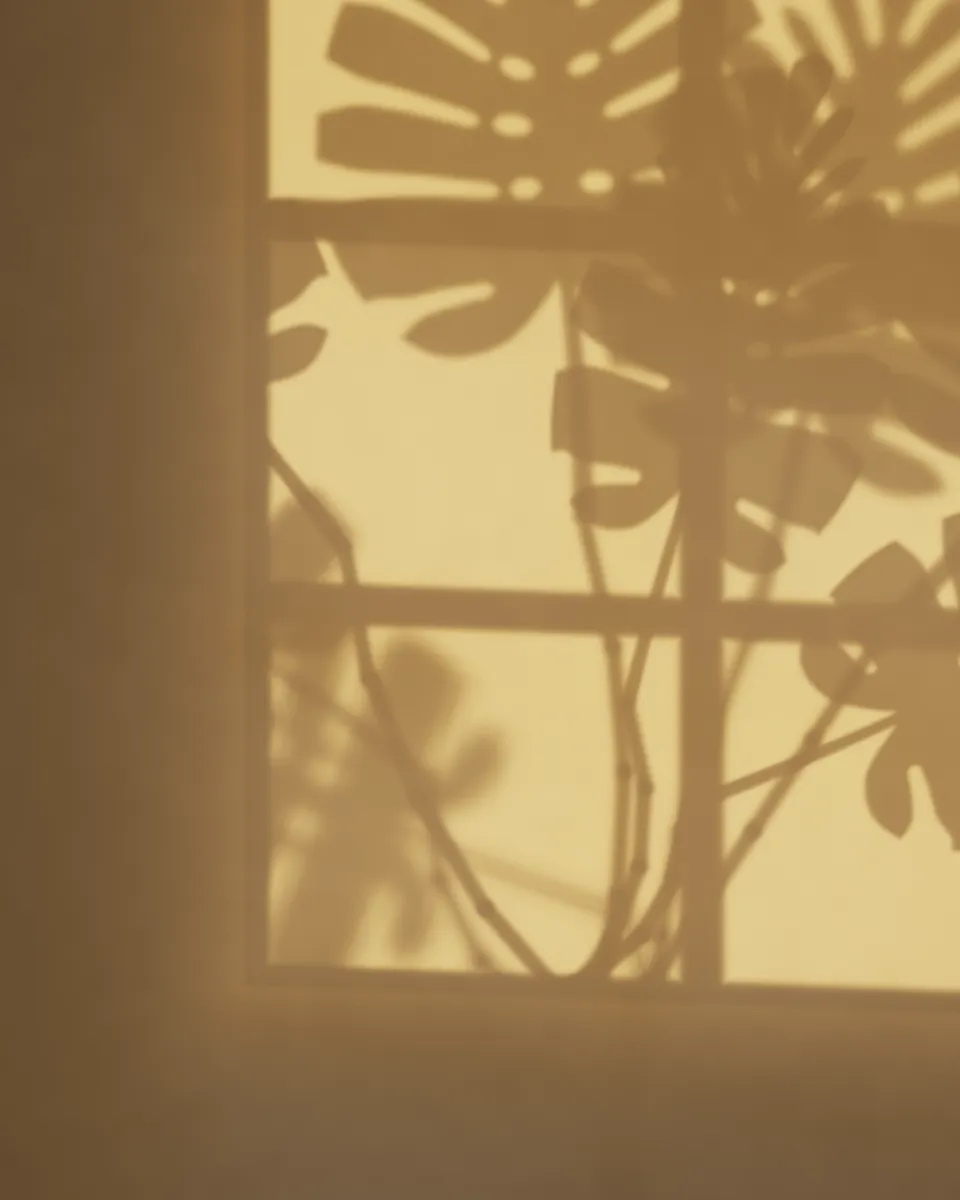
A window that keeps time
-
Follows the real sun
The angle, colour and length of the light come from the sun's actual position at your location, worked out on your device. Tell it which way your window faces and the light arrives when it would at home.
-
Real weather
With live weather on, clouds soften the shadows, rain beads on the glass and wind sways the leaves. Prefer a sunny day every day? Choose Always Clear.
-
Sixteen scenes
Plants, blinds, curtains and glass: each one throws its own shadow, from crisp blind stripes to the dappled shimmer of pool light.
-
Calm nights
After sunset the room turns warm and dark, and a patch of full-moon light or the orange glow of a street lamp rests on the wall.
-
A desk display
Leave it on a stand or charger: the screen can stay on while Lumiwall is open, with an optional quiet clock. Scrub through the day to see the light at any hour.
-
Widgets and wallpaper
Home Screen, Lock Screen and StandBy widgets show the light right now. With Shortcuts, an automation can set your wallpaper to the current light a few times a day.
Scenes
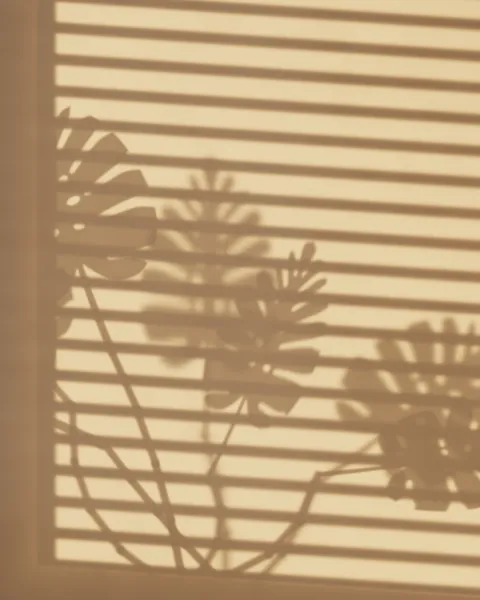
Blinds & Plant 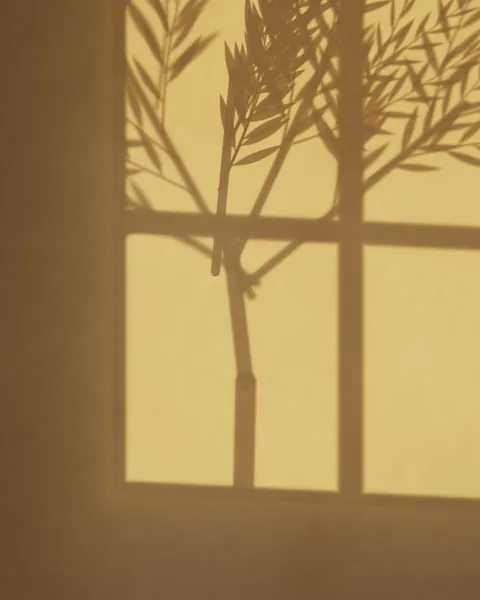
Olive Tree 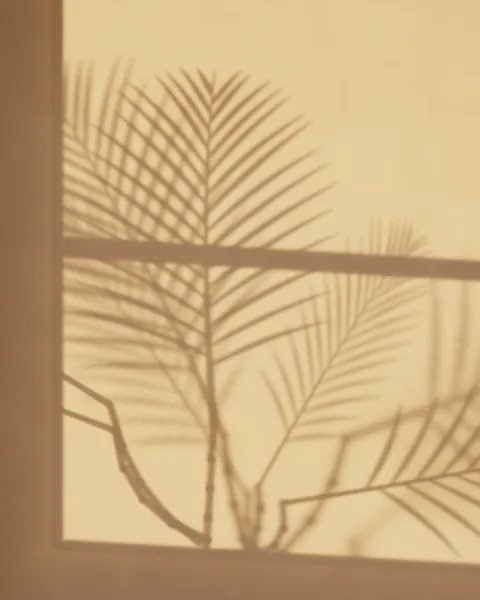
Palm 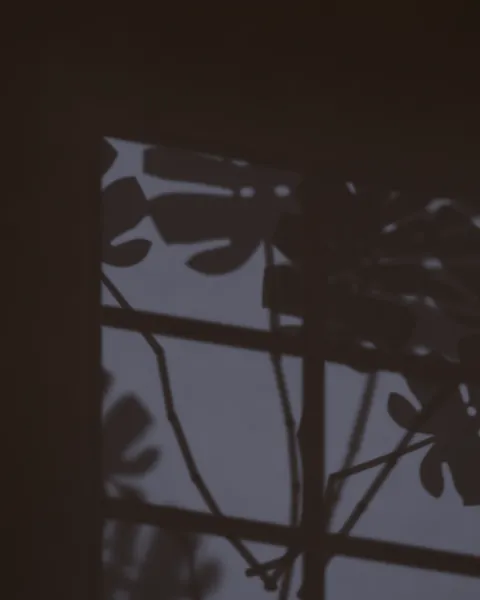
Monstera, by moonlight
Also: Window, Monstera, Rubber Plant, Blinds, Leaves, Sheer Curtain, Water Glass, Crystal, Pool Light, Glass Bricks, Reeded Glass, Lattice and Louvres.
Quiet about your data, too
Your location is rounded to about a kilometre and used on your device to place the sun. If live weather is on, Apple Weather receives that approximate location to send back the forecast. If the app crashes, an anonymous crash report helps fix it, and one anonymous message counts each new install. No accounts, no ads, no tracking.